Falken Avionics EFB Public Beta

Fly the Falken EFB beta. A full electronic flight bag on your iPad or iPhone — now open for test pilots.

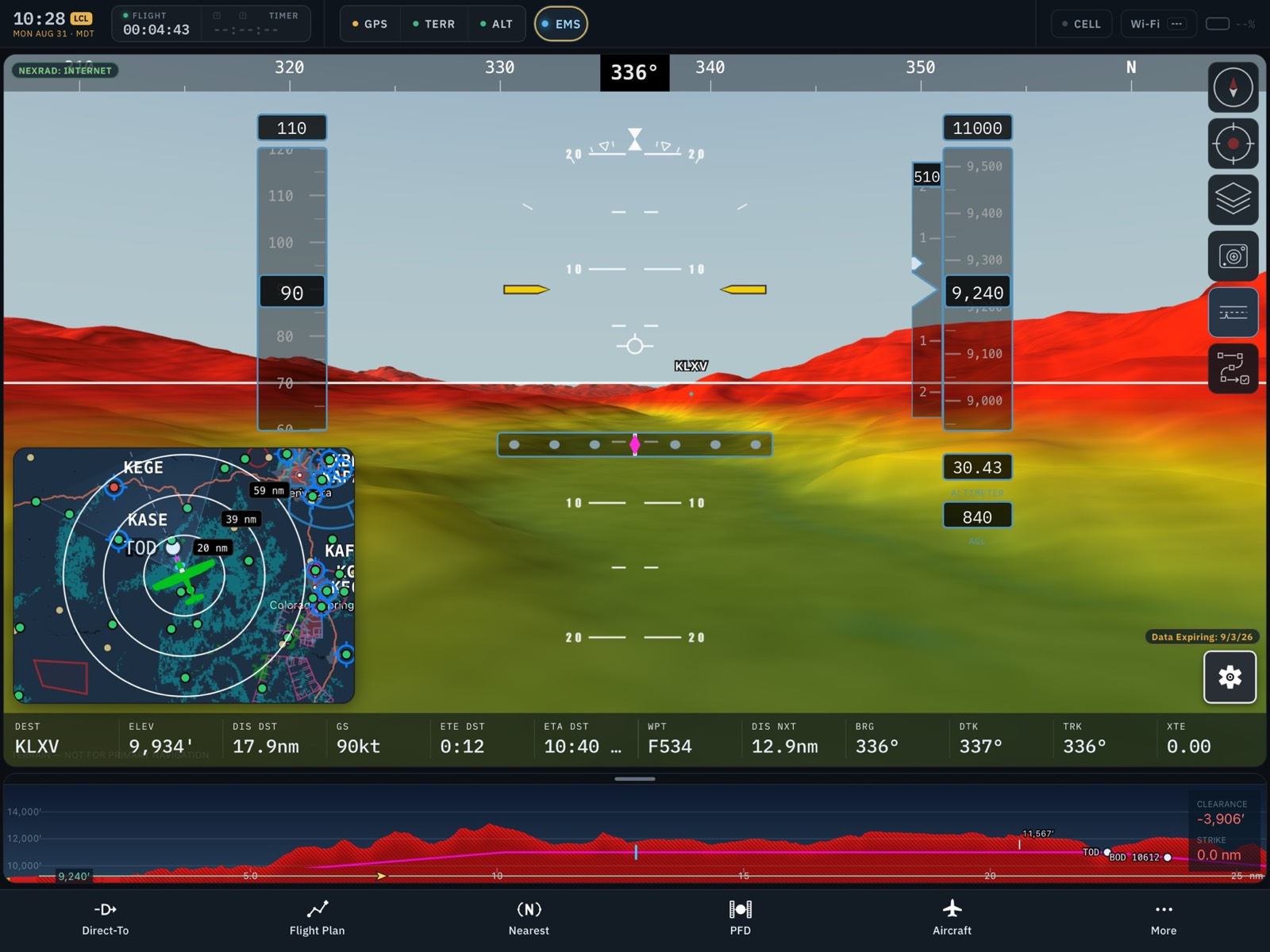
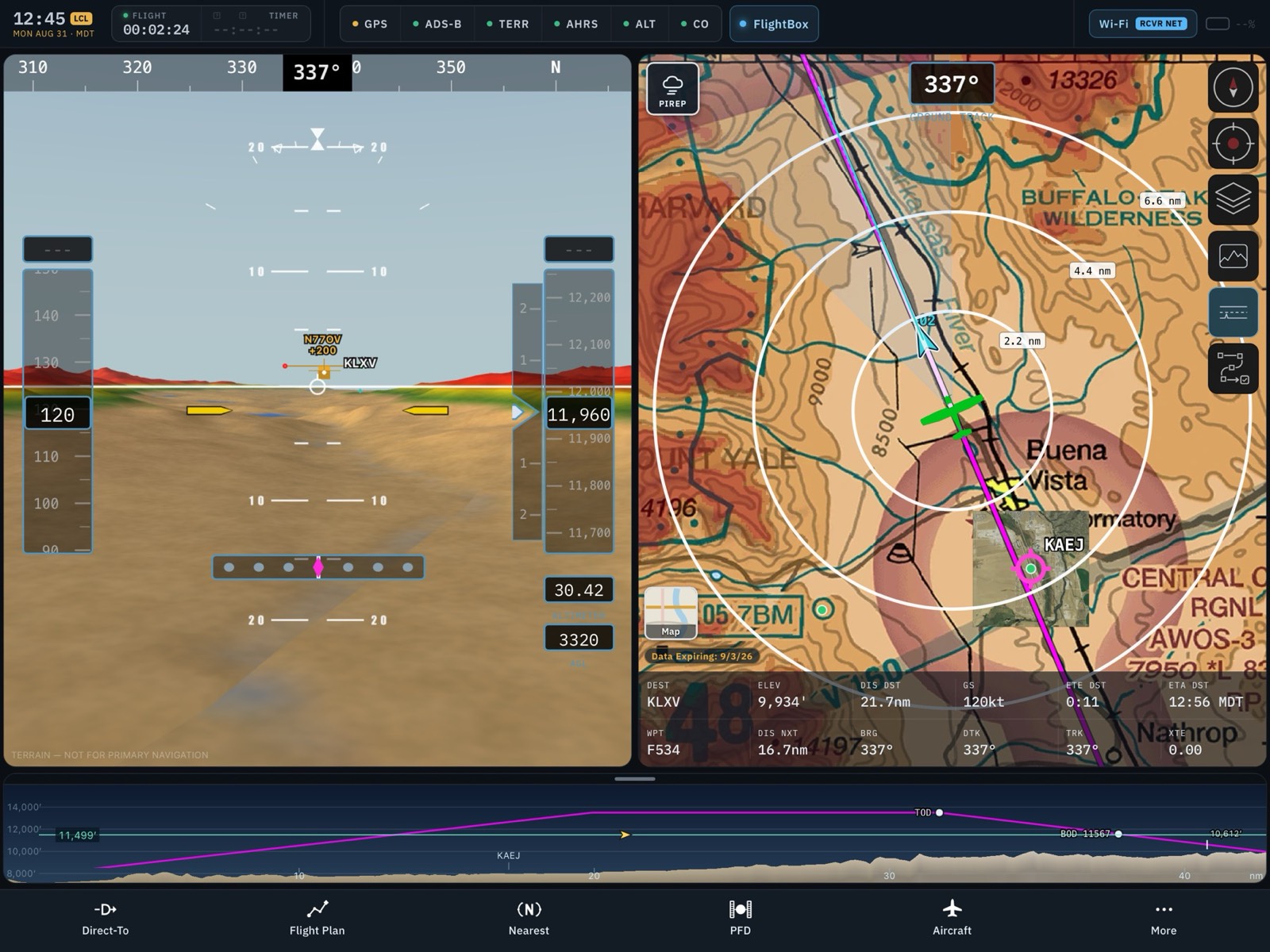
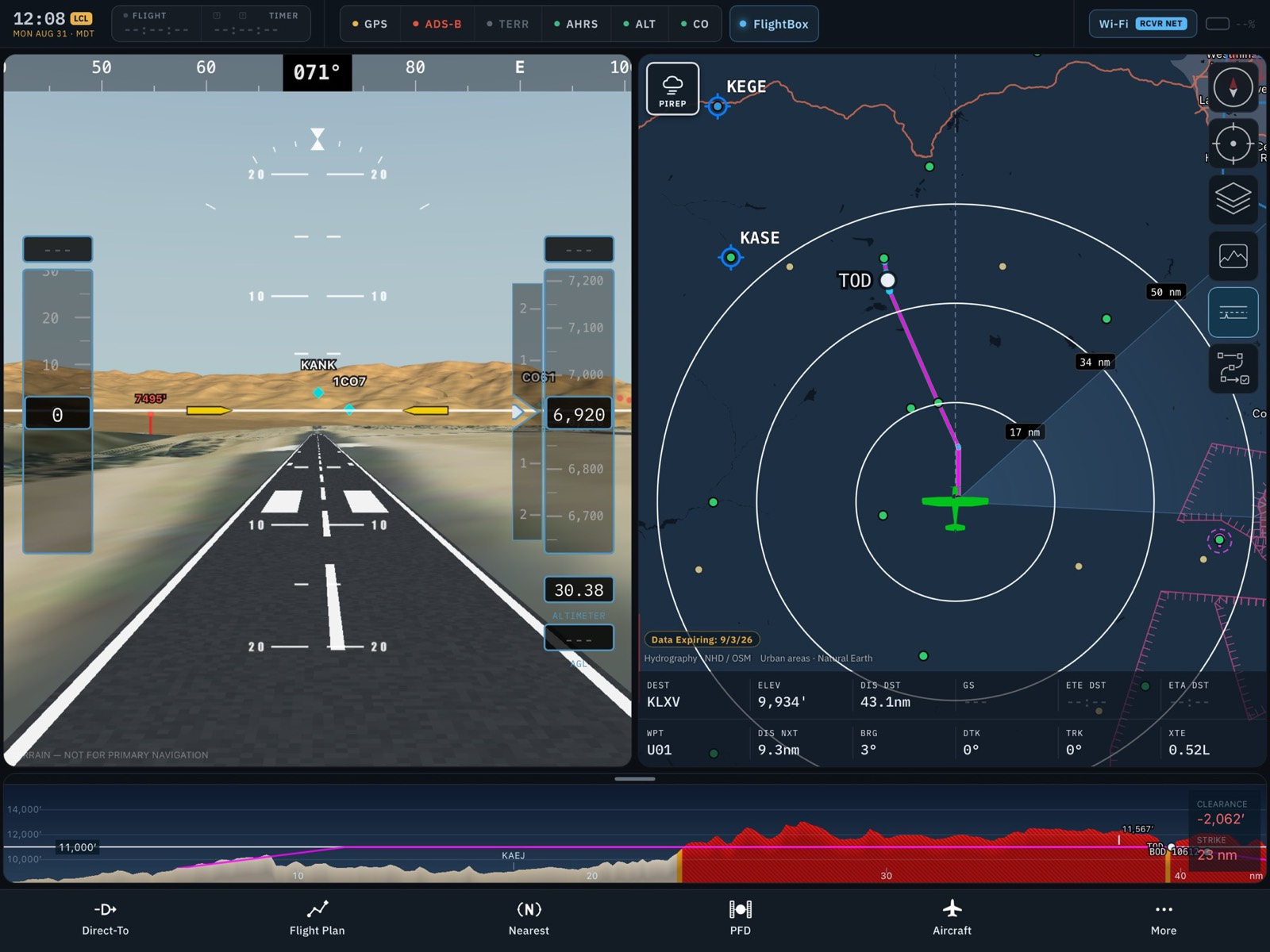
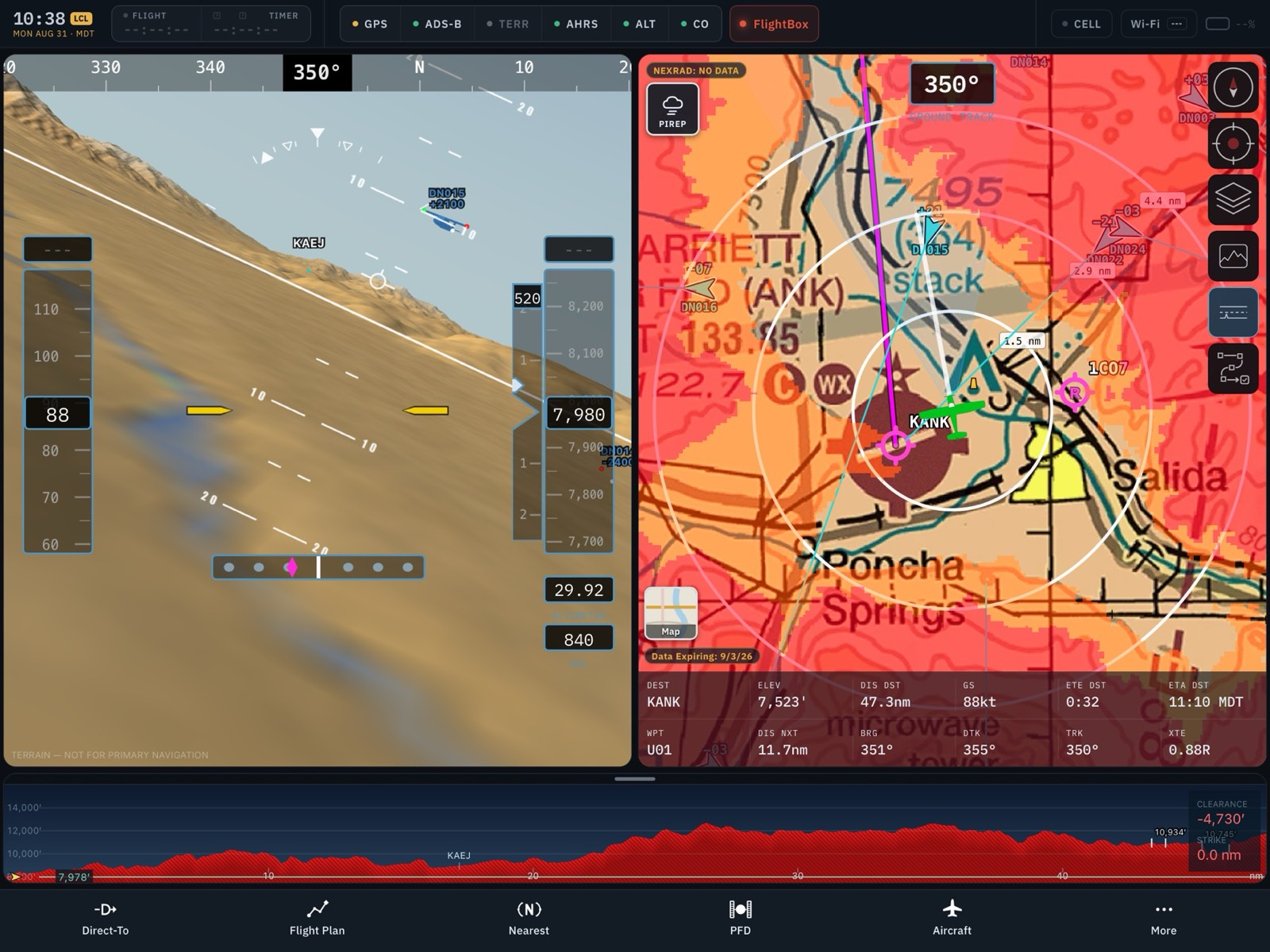
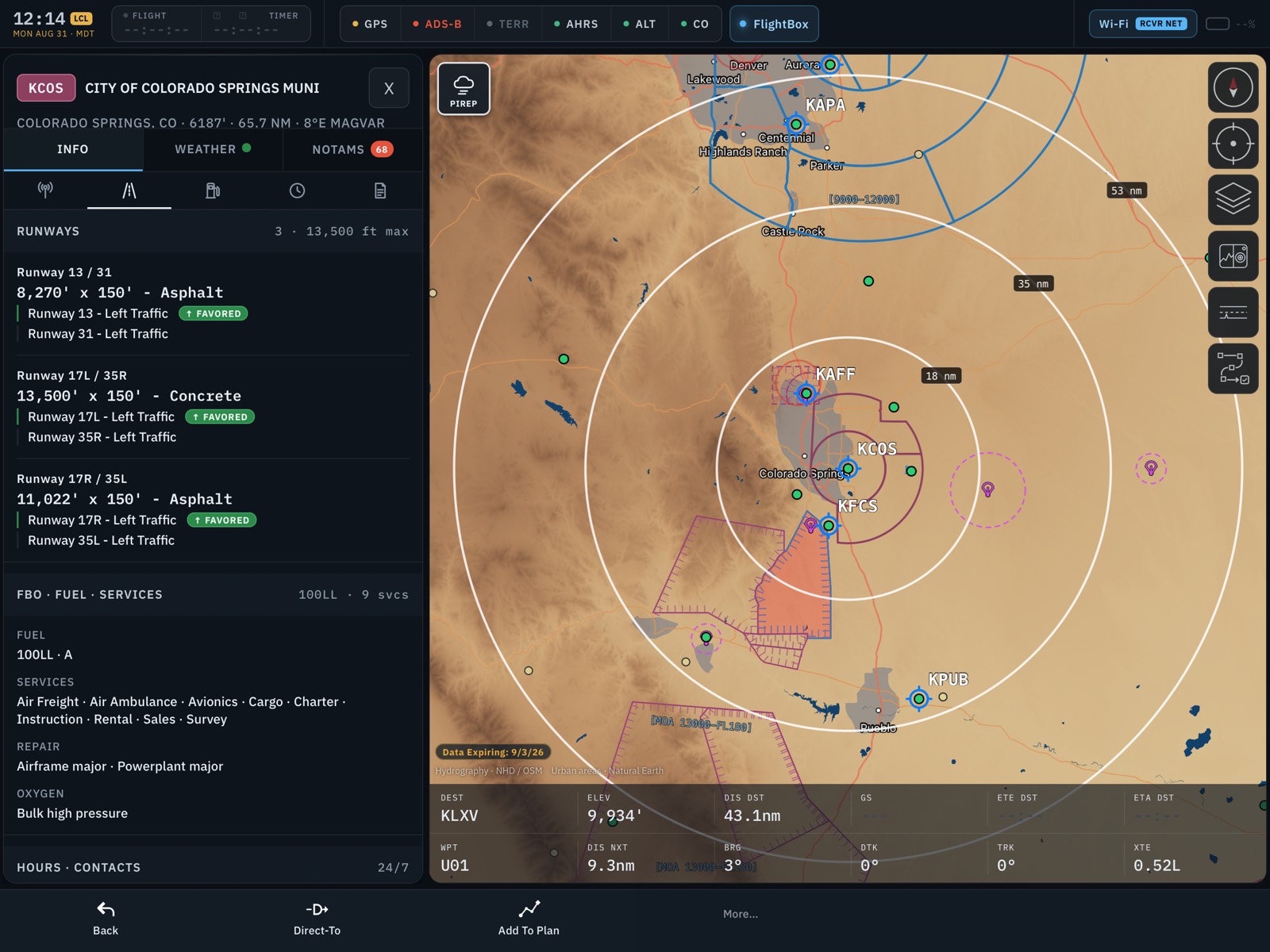
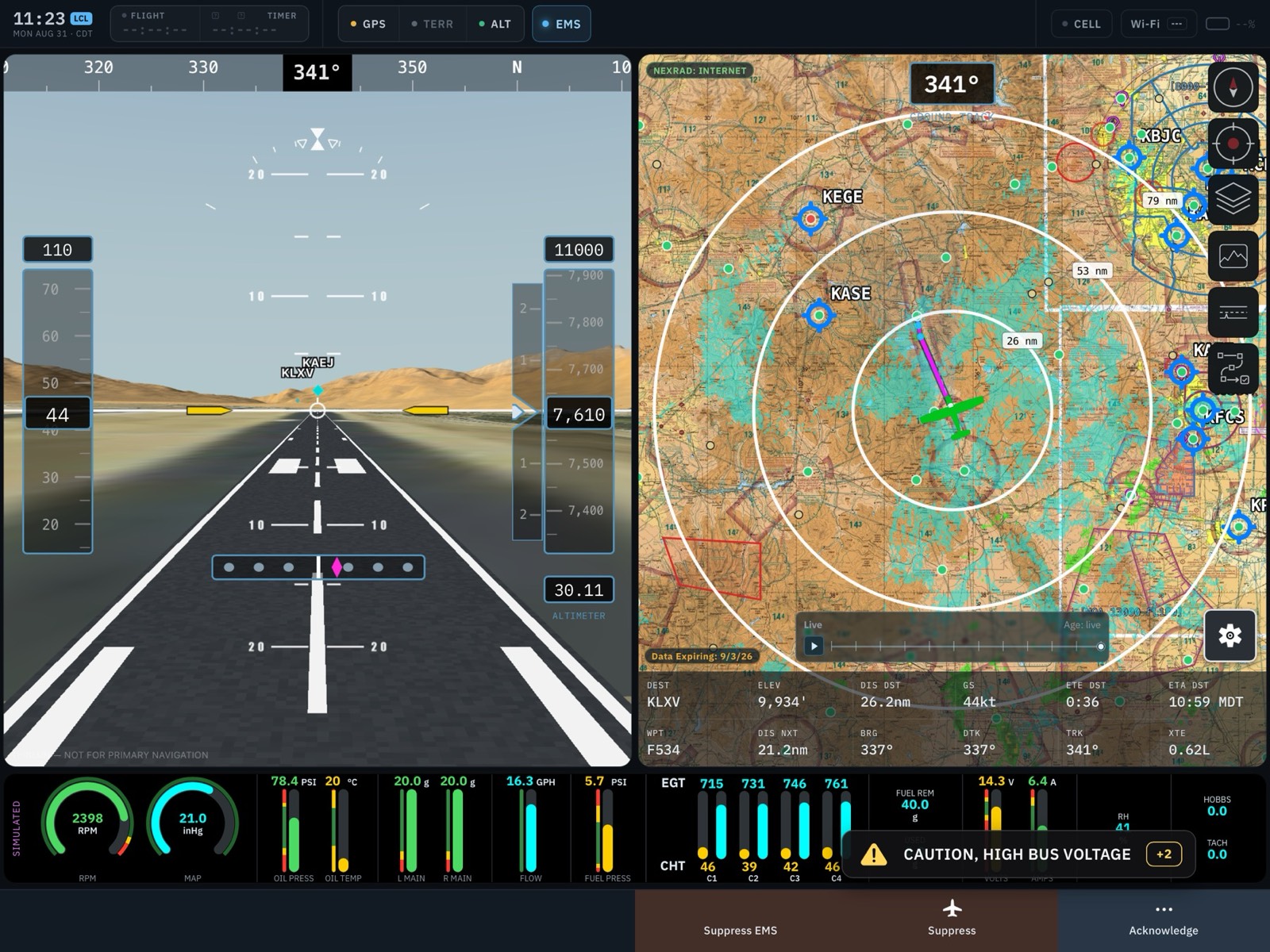
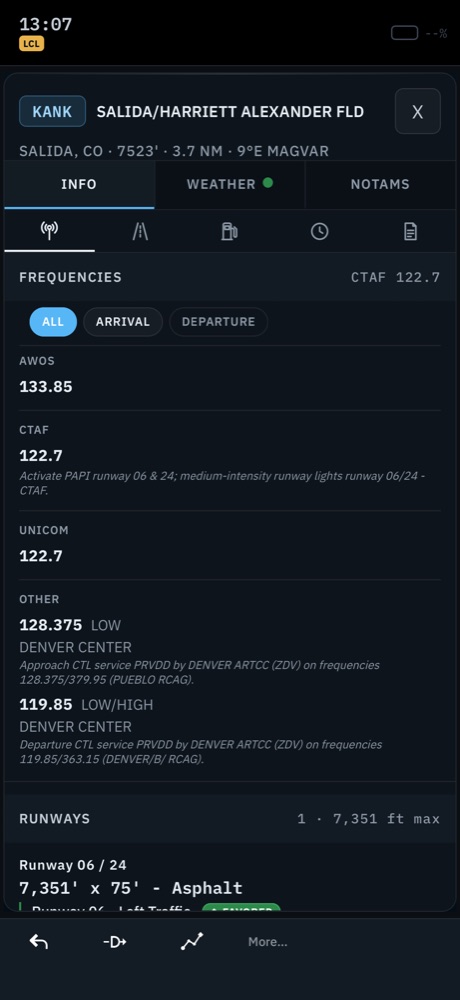
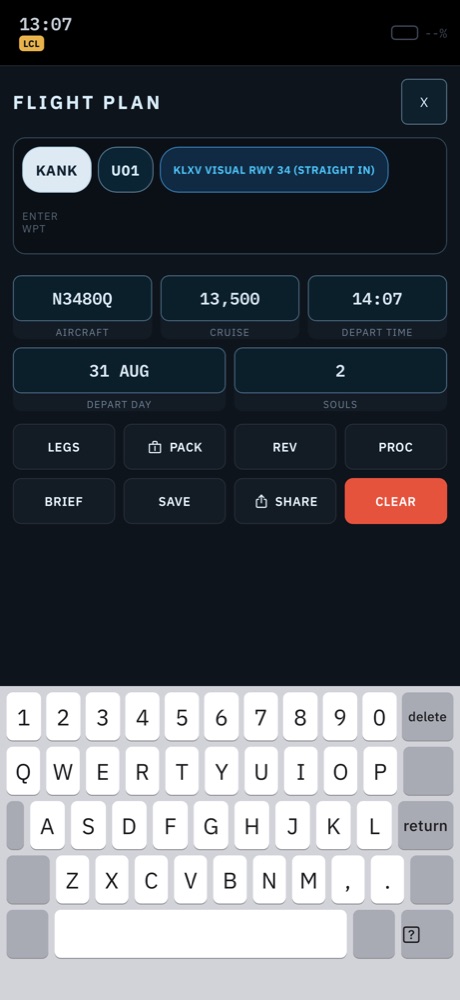
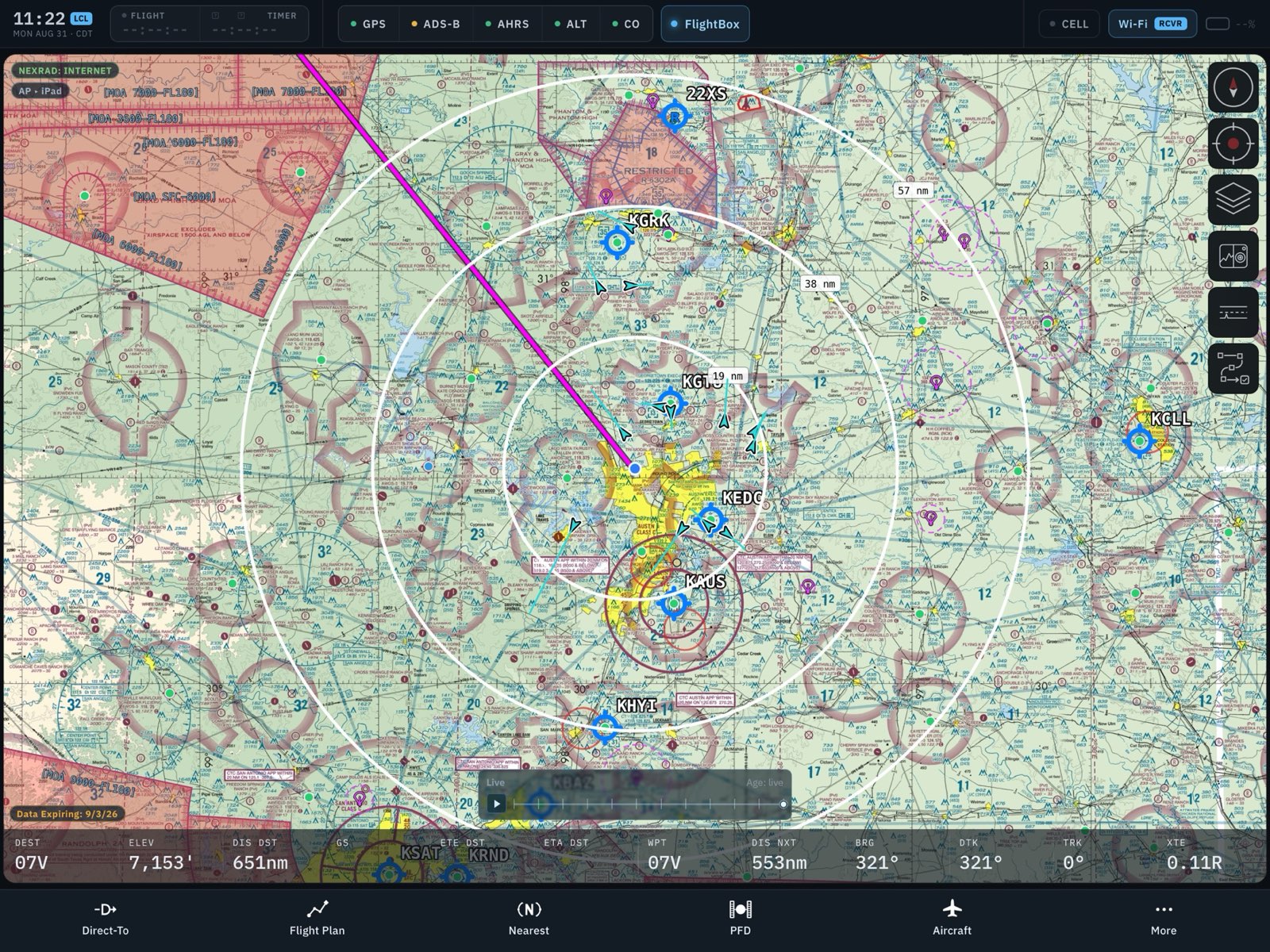
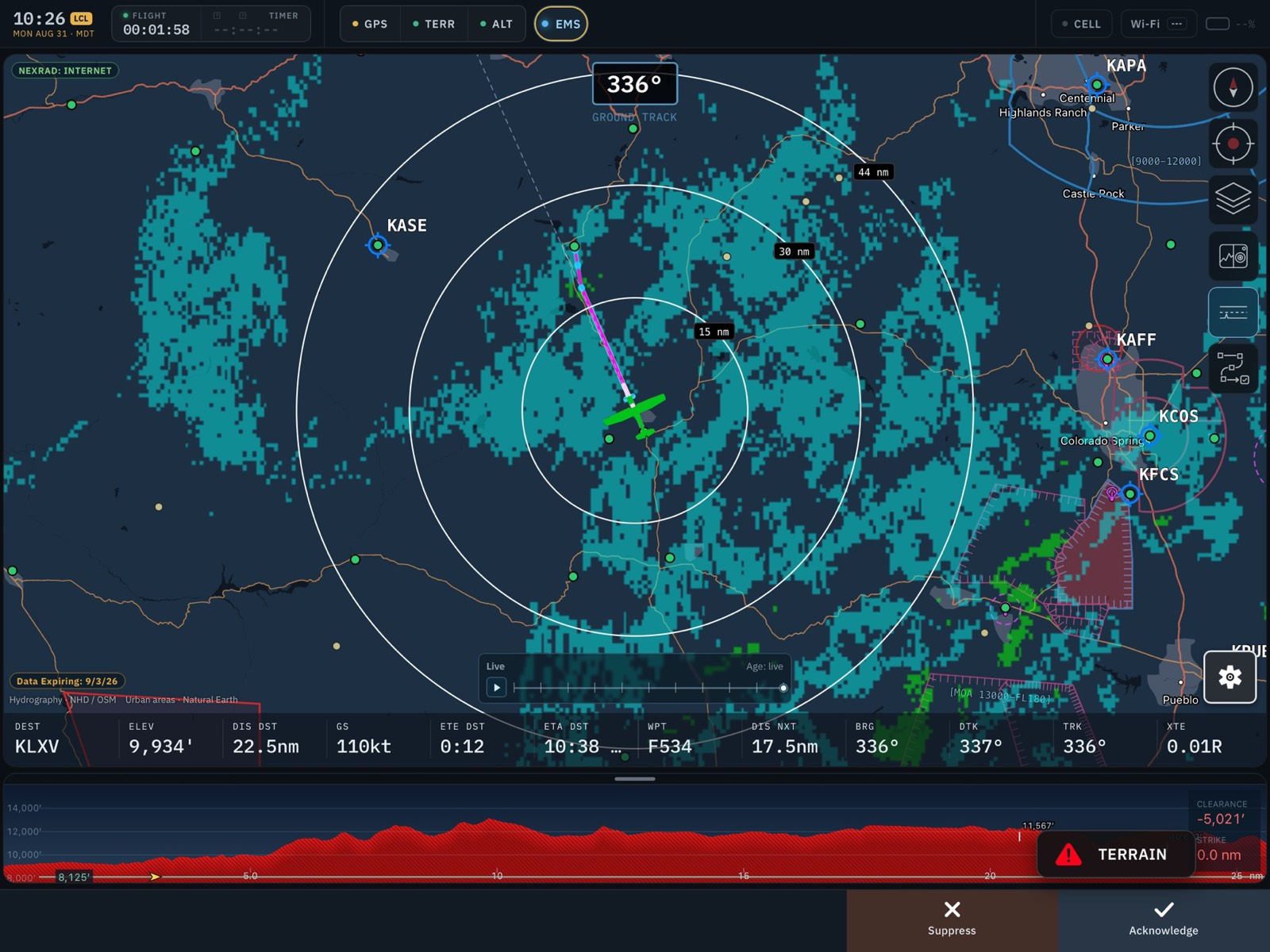
Sectionals, IFR enroute charts, approach plates, weather, traffic, terrain, and synthetic vision — the tools you actually use in the cockpit, priced for pilots who fly because they love it. Works on its own over the internet, and pairs with FlightBox for subscription-free ADS-B weather and traffic in flight.
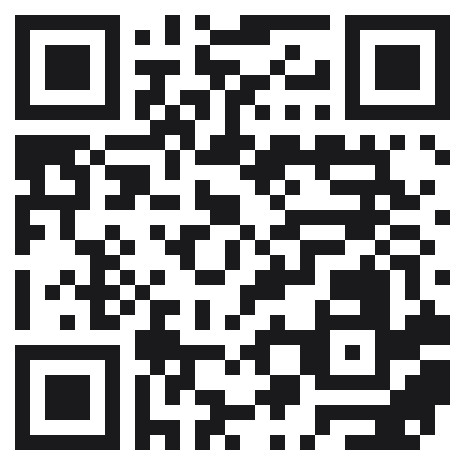
Join the Beta on TestFlight
QR code linking to the TestFlight invitation Reading on a computer?
Scan with your iPad or iPhone.

Requires an iPhone or iPad running iOS/iPadOS 18.5 or later. The beta is free — TestFlight builds never charge for in-app subscriptions.
Joining the beta

  1. Install TestFlight. TestFlight is Apple's official app for beta software. Get it free from the App Store on the iPad or iPhone you fly with.
  2. Open the invitation. On that device, open testflight.apple.com/join/bKFmxyHC (or scan the QR code above). TestFlight will open and offer you the Falken EFB beta. Tap Accept.
  3. Install Falken EFB. Tap Install. The app appears on your home screen like any other — the small orange dot next to its name just means it came from TestFlight.
Updates: new beta builds arrive through TestFlight, usually every week or two. Turn on Automatic Updates in TestFlight so you always fly the latest build. Each build is valid for 90 days; we'll always ship a replacement well before then.

First launch: getting set up

  1. Grant permissions. On first launch, allow Location access (this drives the moving map and ownship position) and Local Network access (this lets the app find a FlightBox or other ADS-B receiver on your aircraft's Wi-Fi).
  2. Download your charts and data. Open the Downloads section, pick the region(s) you fly, and download charts, procedures, and terrain while you're on the ground with good Wi-Fi. Everything works offline after that — no cell signal needed in the air. Data follows the FAA's 28-day cycle and the app fetches updates automatically.
  3. Set up your aircraft. Create an aircraft profile — seeded from FAA type certificate data, with weight & balance that treats experimental and amateur-built aircraft as a first-class case, including variable-arm fuel tanks and one-off airframes.
  4. Optional: connect your ADS-B receiver. Join your FlightBox's Wi-Fi network (or any GDL 90-compatible receiver) and the app picks it up automatically — subscription-free weather and traffic in flight.

Quickstart: five things to try

Feedback & feature requests

Beta testing lives and dies on feedback. Two ways to reach us:

Found a bug? Use TestFlight feedback.

Open TestFlight, select Falken EFB, and tap Send Beta Feedback — you can attach screenshots, and your device details ride along automatically. If the app ever crashes, TestFlight will offer to send the crash report — please do, and add a line about what you were doing.

Have an idea? Email us.

Feature requests, questions, and anything that needs a conversation: [email protected]. We read everything, and beta testers steer the roadmap.